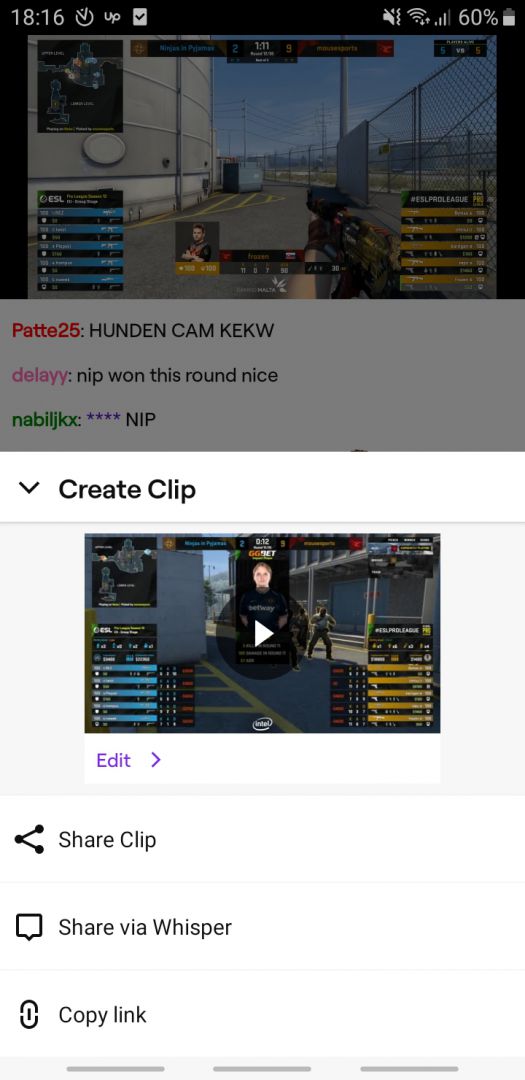
Streaming gaming content has been popular for a while now. Gamers watch it to learn new skills, check out trending games, and see their favorite streamers due to their engaging content. Twitch has been the platform of choice for the most famous streamers, so let's check out its Android client!
An updated mobile layout
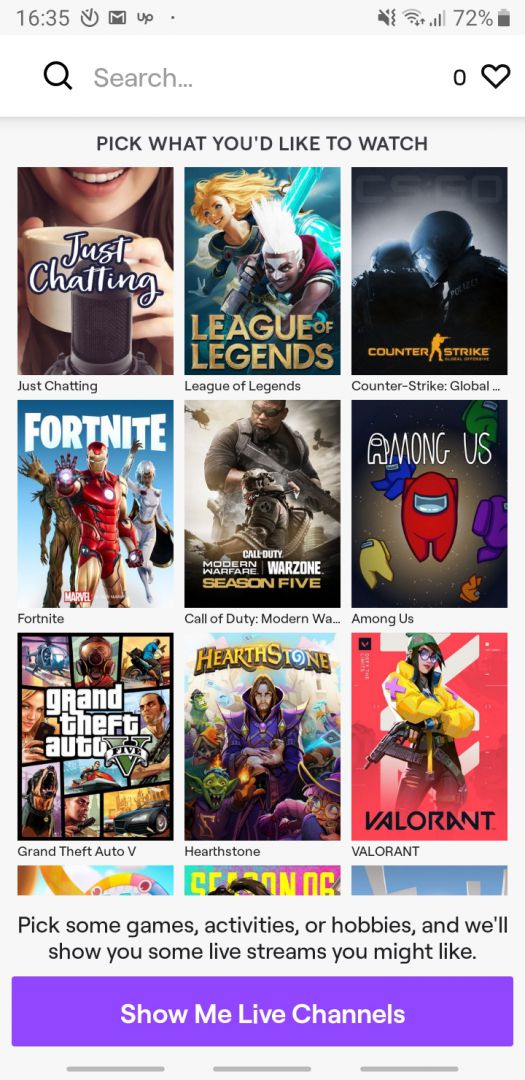
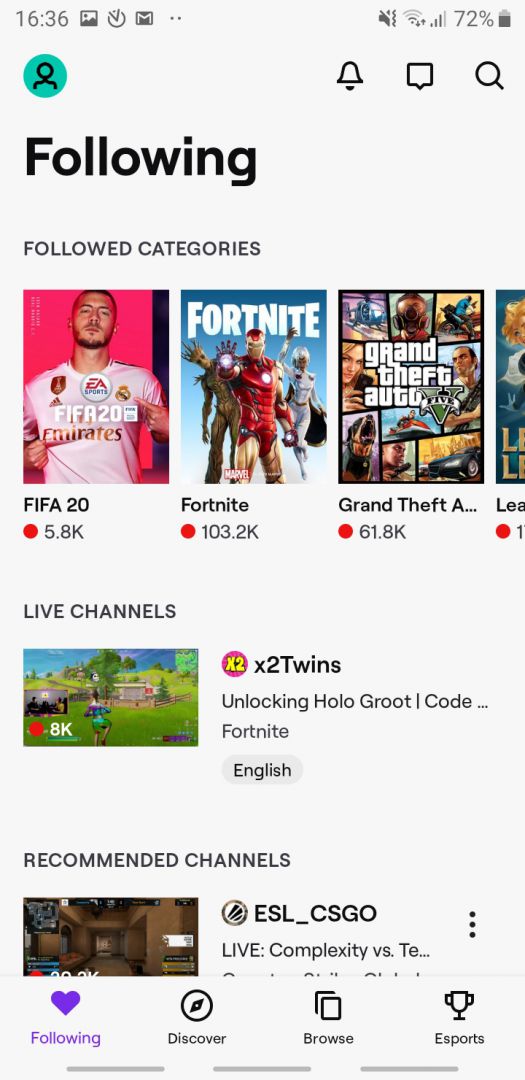
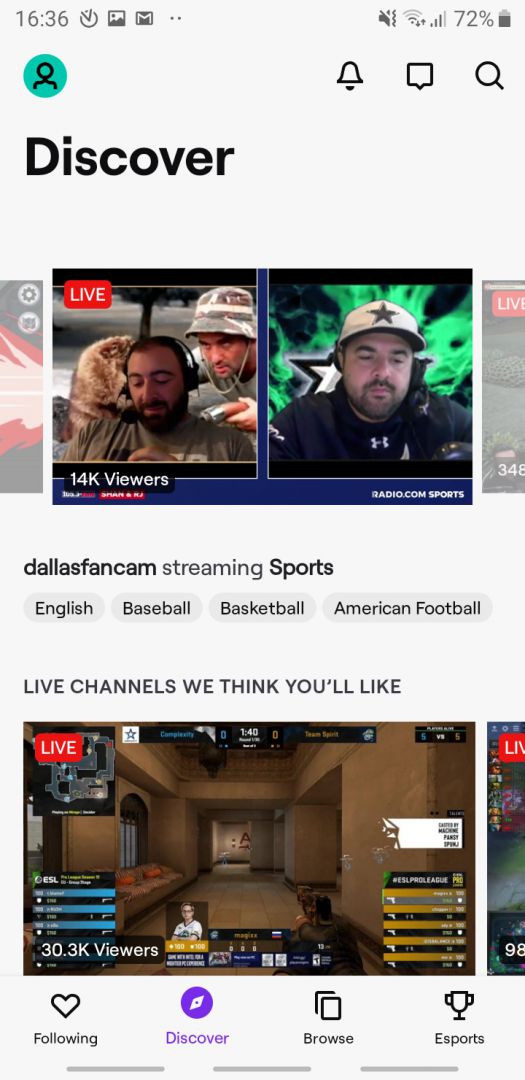
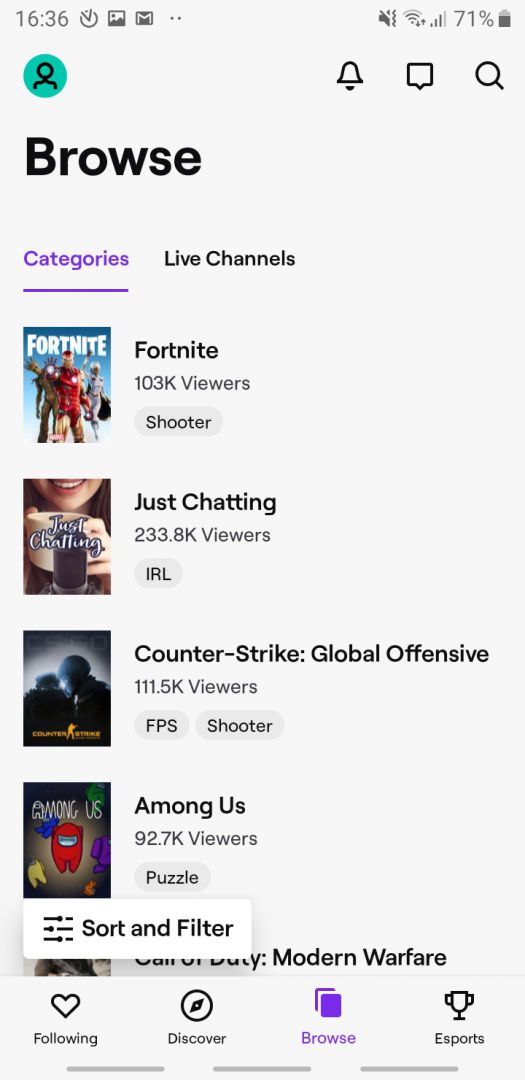
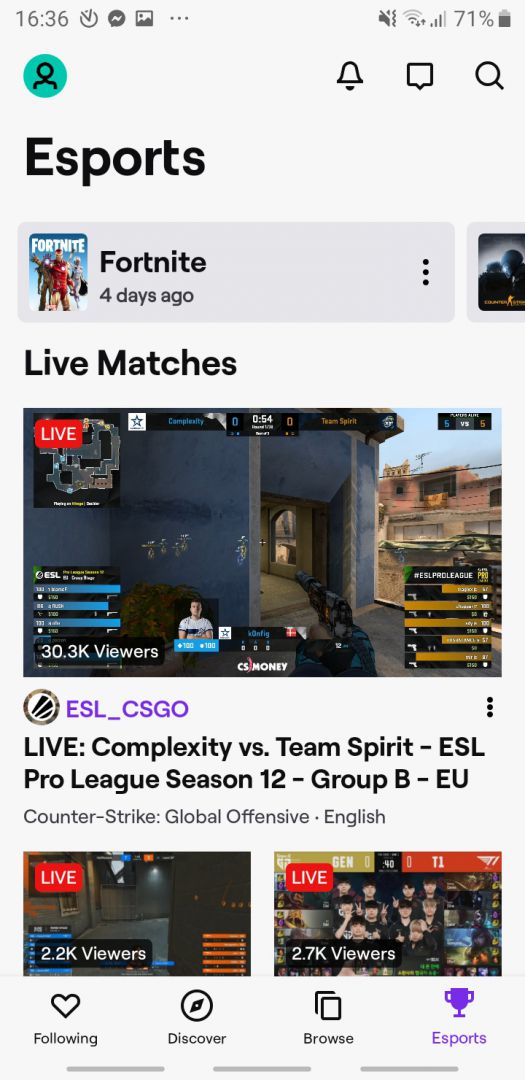
Twitch for Android is simple and elegant. It's divided into a few main tabs accessed from the bottom. The Home tab displays a scrolling feed of live channels and clips you might like. The Browse tab allows you to manually search for content, and the Create tab lets you easily start a broadcast. You can also quickly access your followed channels and categories to keep up with your favorite creators.Viewing experience and chat
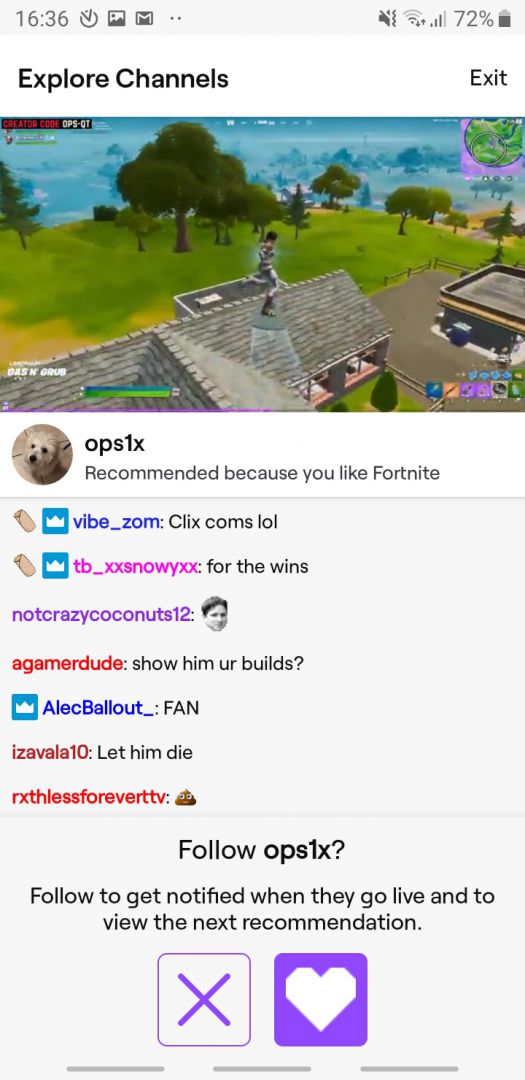
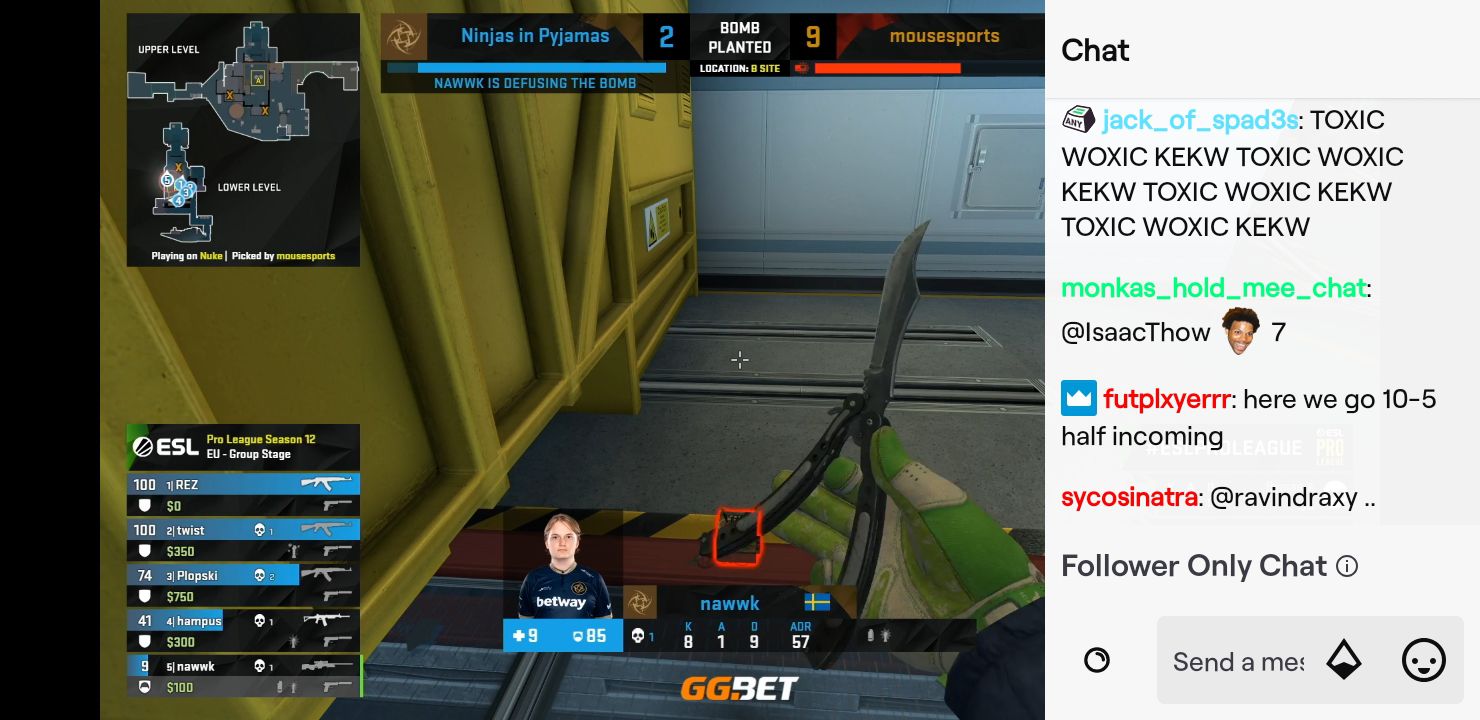
Functionality-wise, the Android client has everything you might need. Viewing a stream feels natural, but there are sometimes too many side distractions while watching. For instance, the screen can feel cluttered because the chat is visible by default. You can expand the video to full-screen by hiding the chat in landscape mode, but sometimes, after you click certain options, other things appear on the screen, temporarily shrinking the actual video. Besides these minor issues, the app looks great with a colorful chat and smooth video. During minimization, videos pop up in the corner for easy returns.Mobile game broadcasting
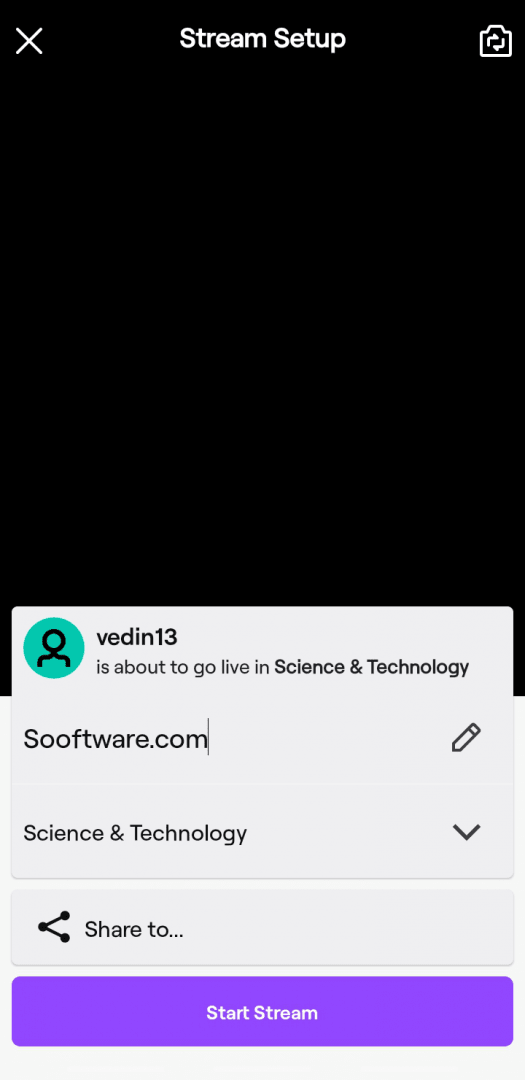
In the past, many users were disappointed to see that the Android Twitch app didn't allow game streaming. Today, you can stream both your camera and your mobile games directly from your phone. You get your own chatroom if you decide to stream, along with a video history. The app works well and it's a great replacement for using the web version. It serves as a highly capable mobile platform, especially now that they added the option to broadcast the contents of your screen.